




SDC: How to Add Photos & Videos
 0
0
 2
2
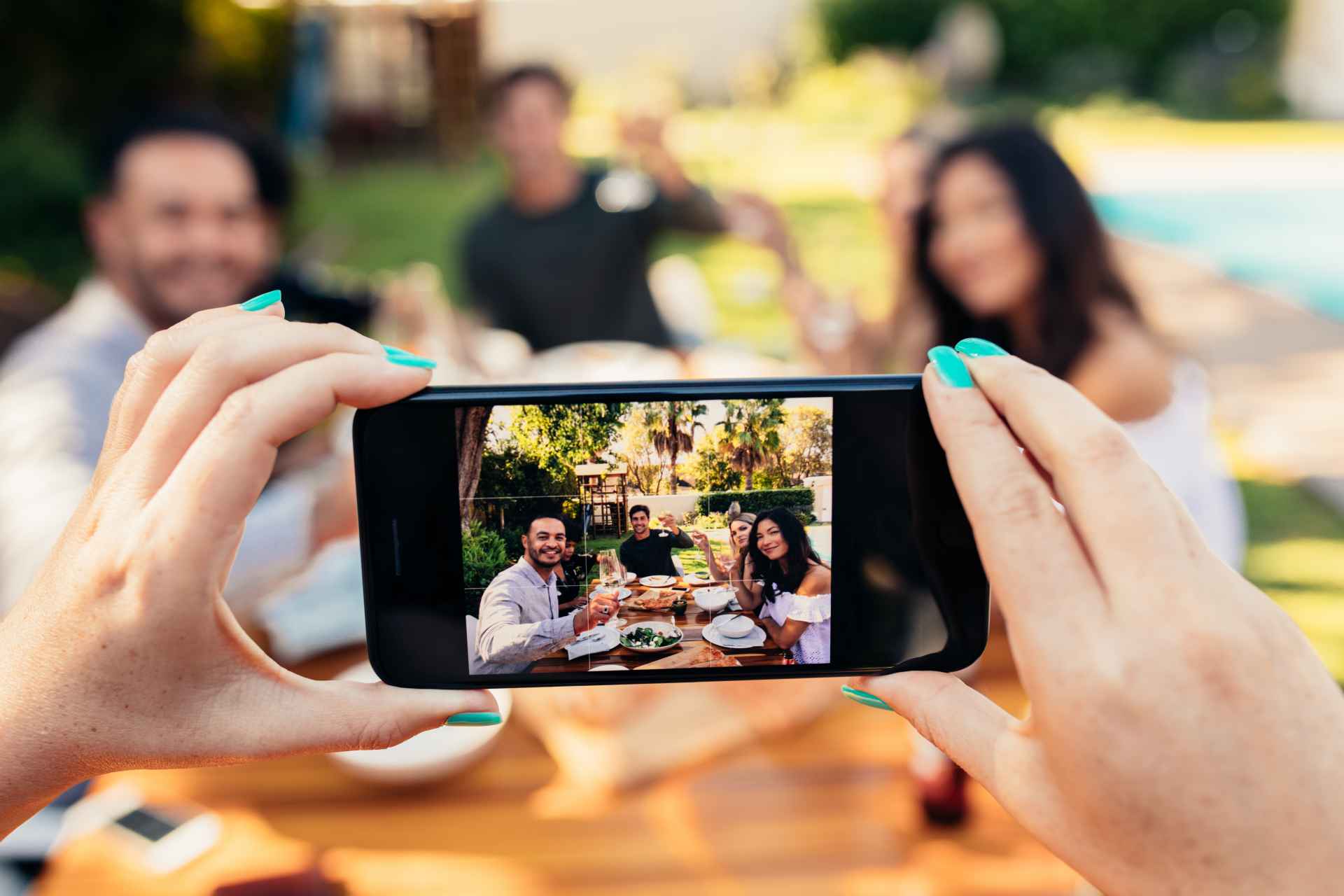

Profiles with a blank photo grid are basically digital wallflowers. When you add pictures and videos to your profile, you instantly look more legit, and more members will actually find you. Plenty of members filter their search to only show profiles with pictures and/or videos, so if you skip the photos, you're invisible to them. Good news: you've got room to work with. Upload up to 100 pictures and organize them into albums, with an optional password for anything you want to keep extra private.
Using the Pictures Feature
How to add a picture
1. Click on Settings (upper right-hand corner)
2. Click on Pictures
3. Click on Add Pictures
5. Drop files or click to upload
6. Click SEND
Note: Pictures need to be approved before they show on your profile. This process can take up to 24 hours.
How to reorganize your pictures
1. Click on Settings (upper right-hand corner)
2. Click on Pictures
3. Directly drag photo and drop in desired spot to rearrange the order.
How to set a picture to be #1
1. Click on Settings (upper right-hand corner)
2. Click on Pictures
3. Click on Change Primary Picture
How to delete a picture or video
1. Hover over the picture or video you wish to delete
2. Click on the small trash can on the upper-right hand corner
Using the Videos Feature
How to add a video
1. Click on Settings
2. Click on Videos
3. Click on Add Video
How to reorganize your videos
1. Click on Settings
2. Click on Videos
3. Click and drag video to desired area
How to delete a picture or video
1. Click on the picture or video you wish to delete
2. Click on the edit button in the upper-right hand corner and click delete
How to find your videos
1. Click on Settings (upper right-hand corner)
2. Click on Videos
Managing Albums
How to create an album
1. Click on Settings (upper right-hand corner)
2. Click on Albums
3. Click on Add Album
5. Enter an Album name
6. Enter a Password (optional)
7. Press OK
8. Click SEND
How to view your albums
1. Click on Settings (upper right-hand corner)
2. Click on Albums
3. Click on album of choice
4. Click on Options
5. Click on View
Note: You can click New if you wish to add photos or videos.
How to add picture or video to an Album
1. Click on Settings (upper right-hand corner)
2. Click on Albums
3. Select album of choice
4. Click on Options
5. Click on Add picture or Add Videos
6. Drop your file or click to upload
7. Press SEND






 LIKE
LIKE
 COMMENT